

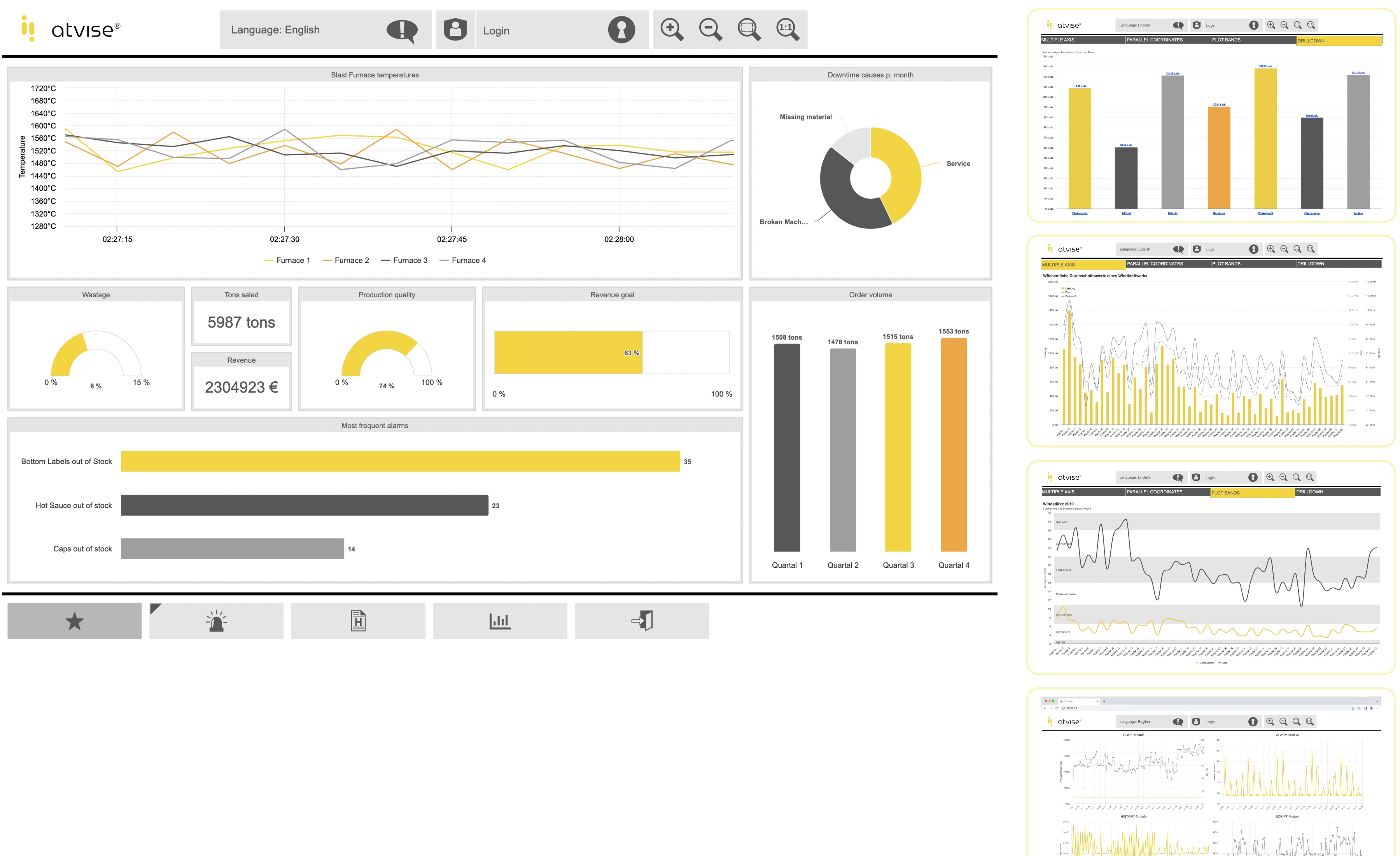
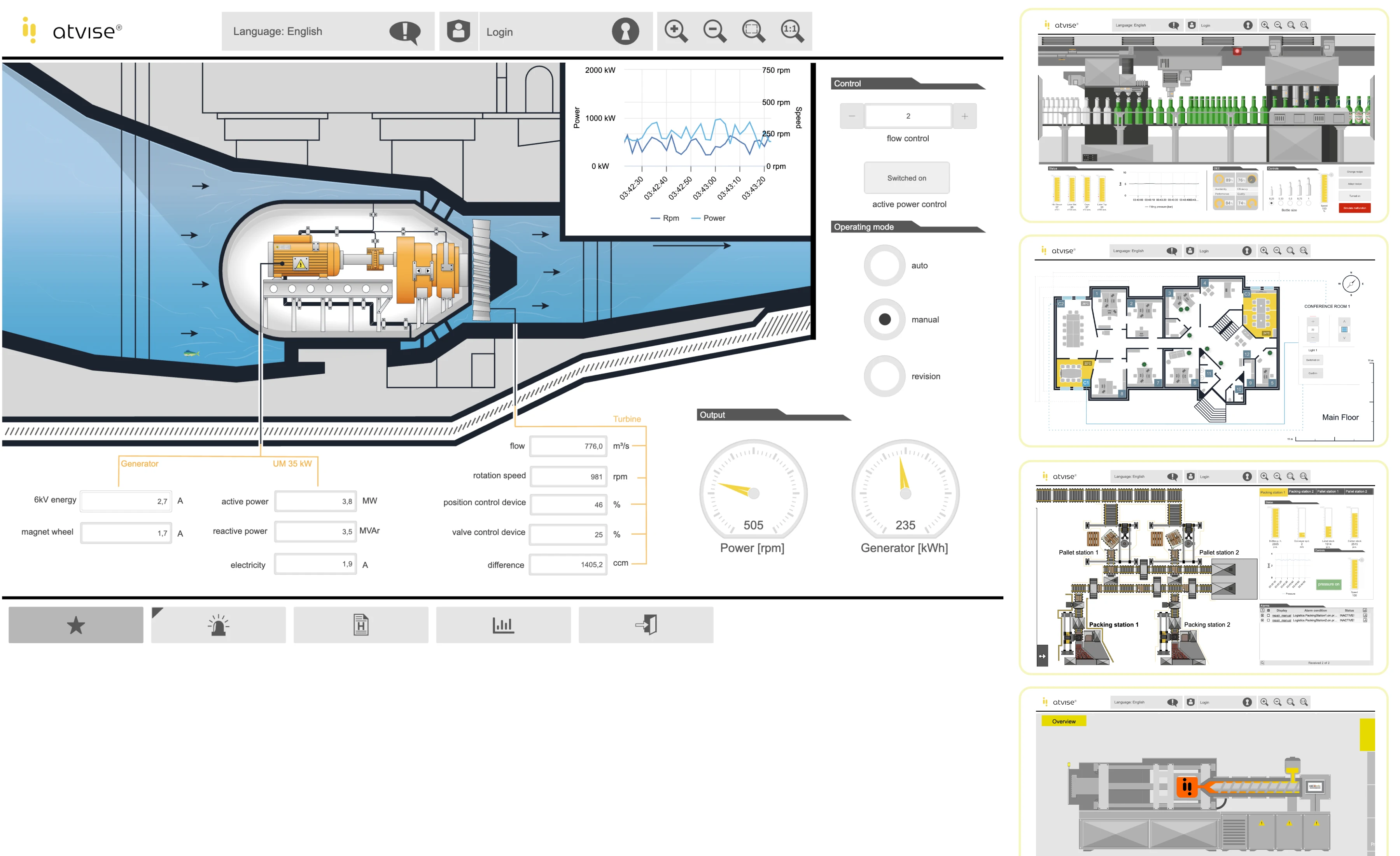
Atvise Web SCADA
| Models | scada Micro | scada Small | scada Standard | scada Large | scada XLarge |
|---|---|---|---|---|---|
|
CCD (Licensing Based on Component Display Count) |
50 | 150 | 1500 | 5000 | > 5000 |
|
Tags - Number of Channels |
Unlimited |
||||
|
Screens - Number of Pages |
Unlimited |
||||
|
Web Clients - Web Users |
Unlimited | ||||
|
Web Client - User-Specific Page Assignment |
Available | ||||
|
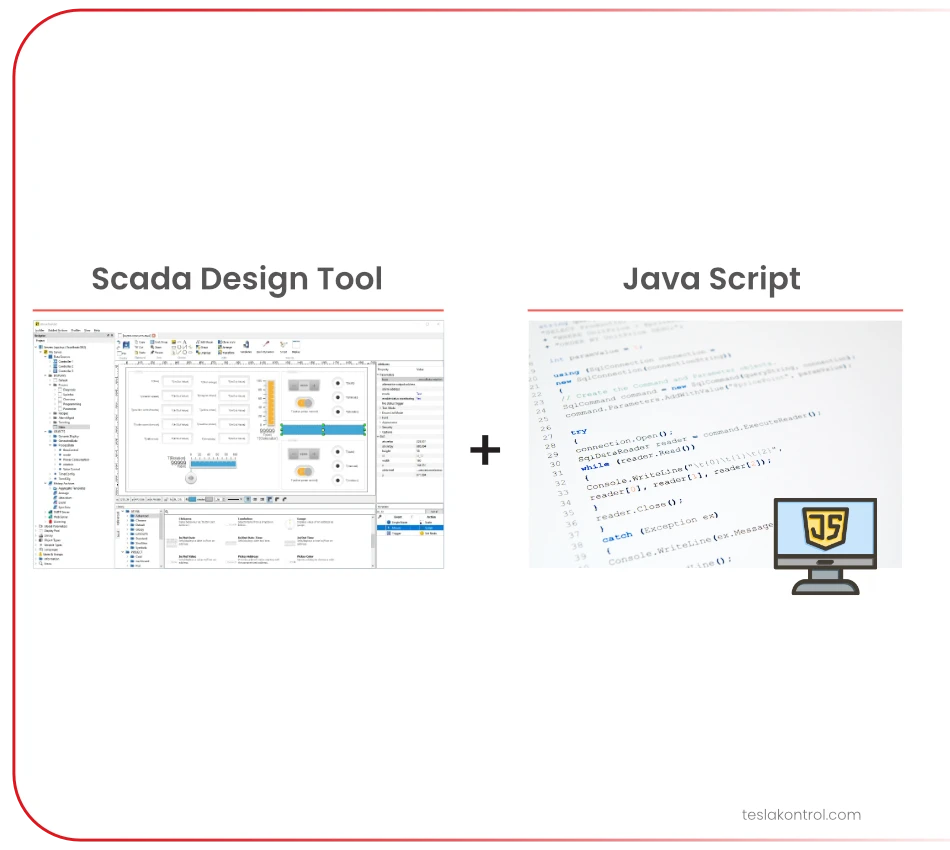
JavaScript |
Available | ||||
|
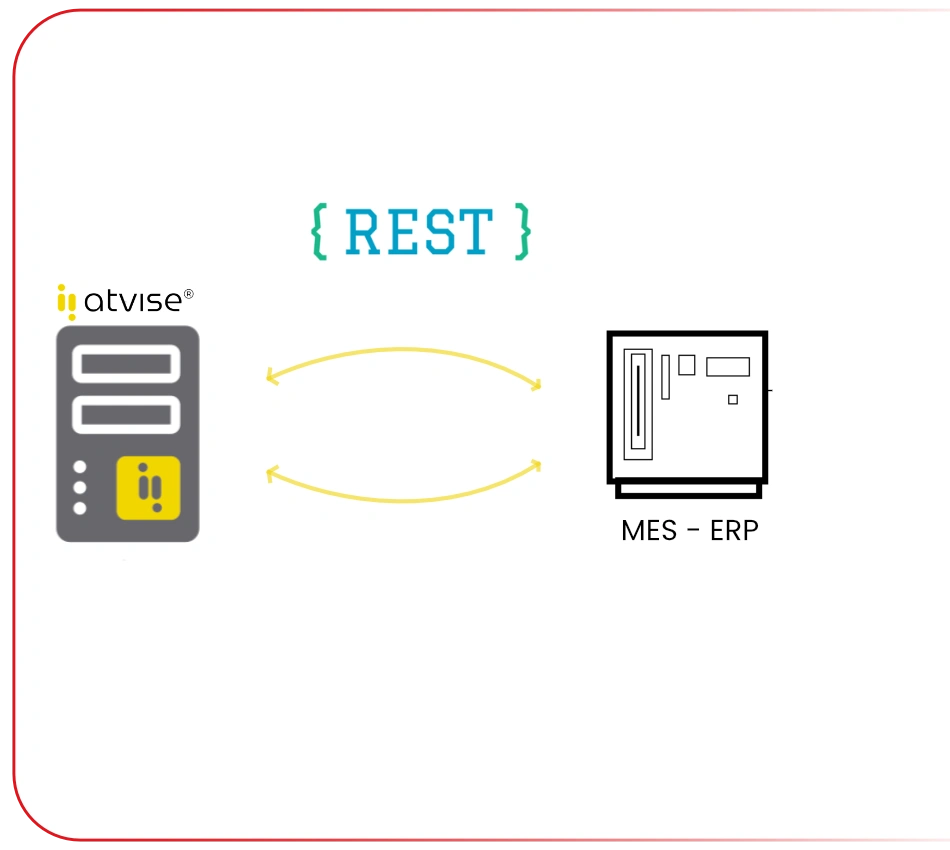
Web Service Communication (Communication with ERP Systems such as SAP, API Integration) |
Available | ||||
|
Automation Protocols |
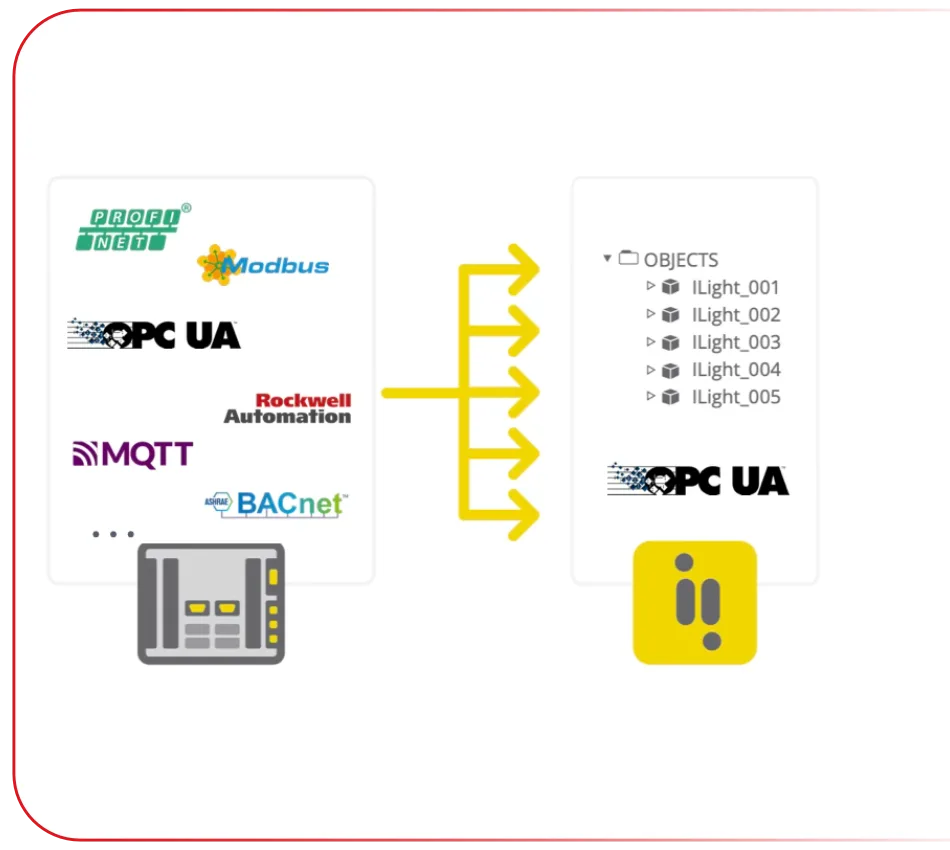
Atvise SCADA supports many industrial automation and PLC protocols through the Atvise Connect X gateway software. | ||||
|
Automatic Database Installation During Web SCADA Setup (Automatic installation of a preconfigured, ready-to-use database) |
Available |
||||
|
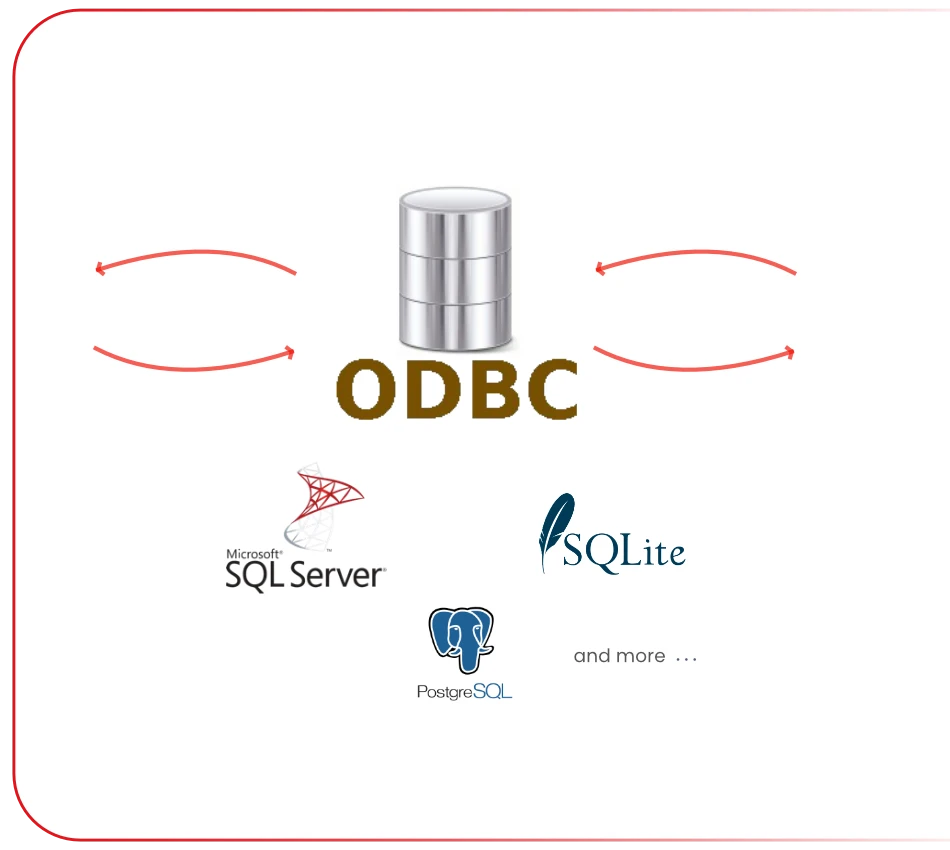
Communication with External Databases: ODBC (for example MS SQL) |
Available |
||||
|
Interactive Map Support (Google Maps, etc.) |
Available |
||||
|
Responsive Design Support |
Available |
||||
|
Data Sources (OPC UA Sources) (More than 254 is optional) |
254 | ||||
|
Aggregation Functions (More than 250 aggregates is optional) |
Available (up to 250 Aggregations) |
||||
|
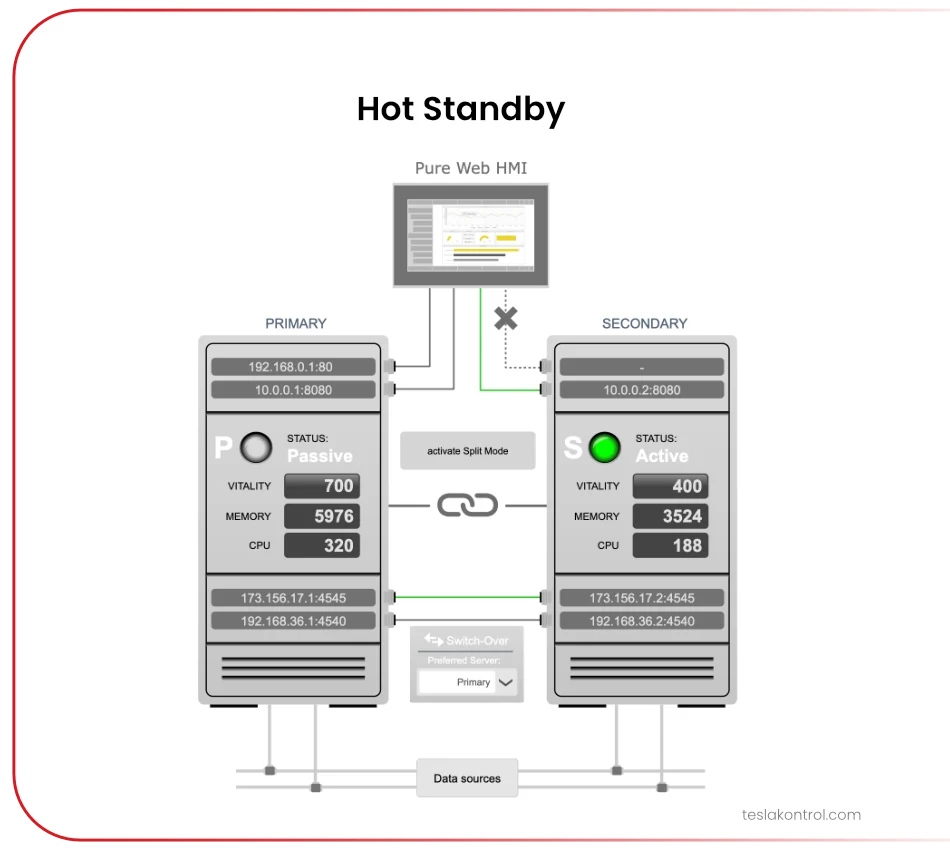
Redundancy |
Not Available |
Not Available |
Available (Hot Standby) (Optional) |
Available (Hot Standby) (Optional) |
Available (Hot Standby) (Optional) |
|
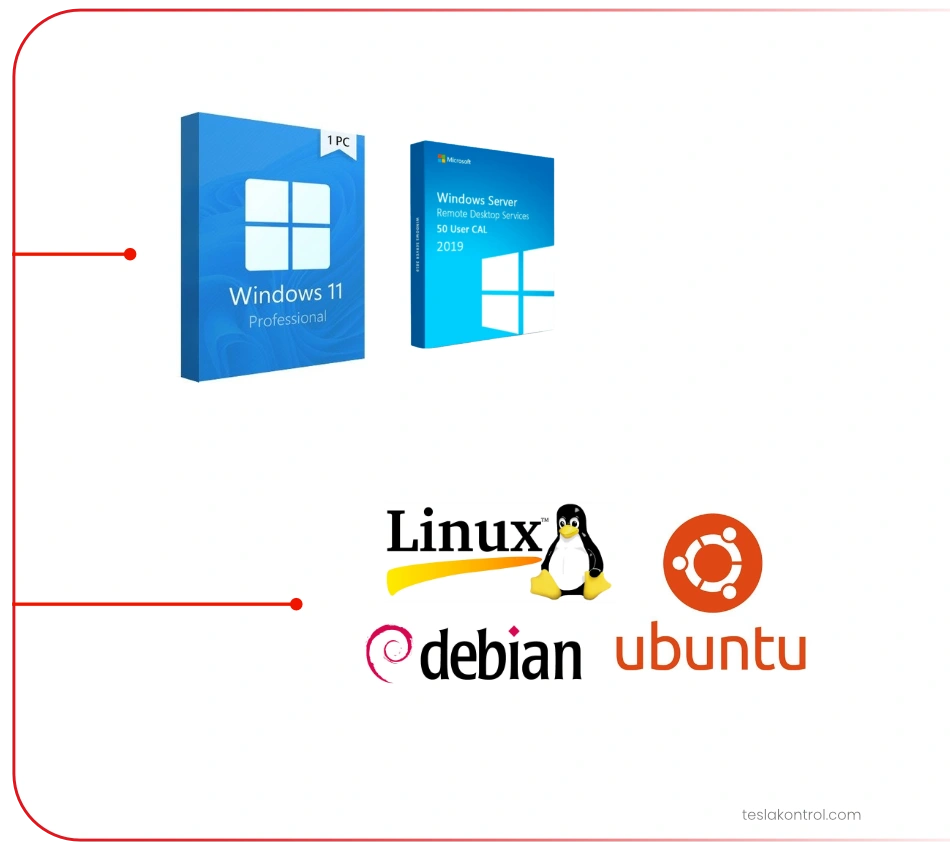
Operating System |
Windows or Linux |
||||
 |
Web Technology |
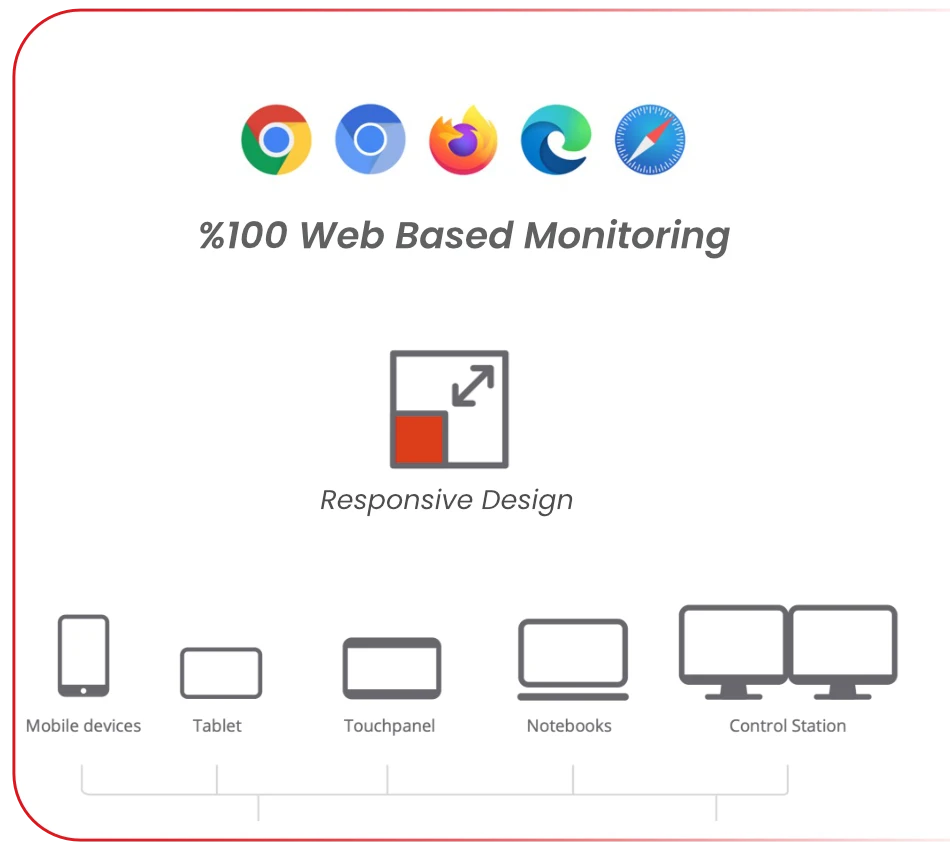
100% Web SCADANo desktop client, full web-based access
Access the system from any device with a properly optimized responsive interface. |
|
 |
|
 |
Unlimited Tag Architecture |
Unlimited Tags / ChannelsNo need to calculate tag limits at the beginning of your project.
No additional payment is required to expand a tag package. Connect unlimited PLC, Modbus and OPC UA data points. |
|
|
|
 |
Unlimited Web Users |
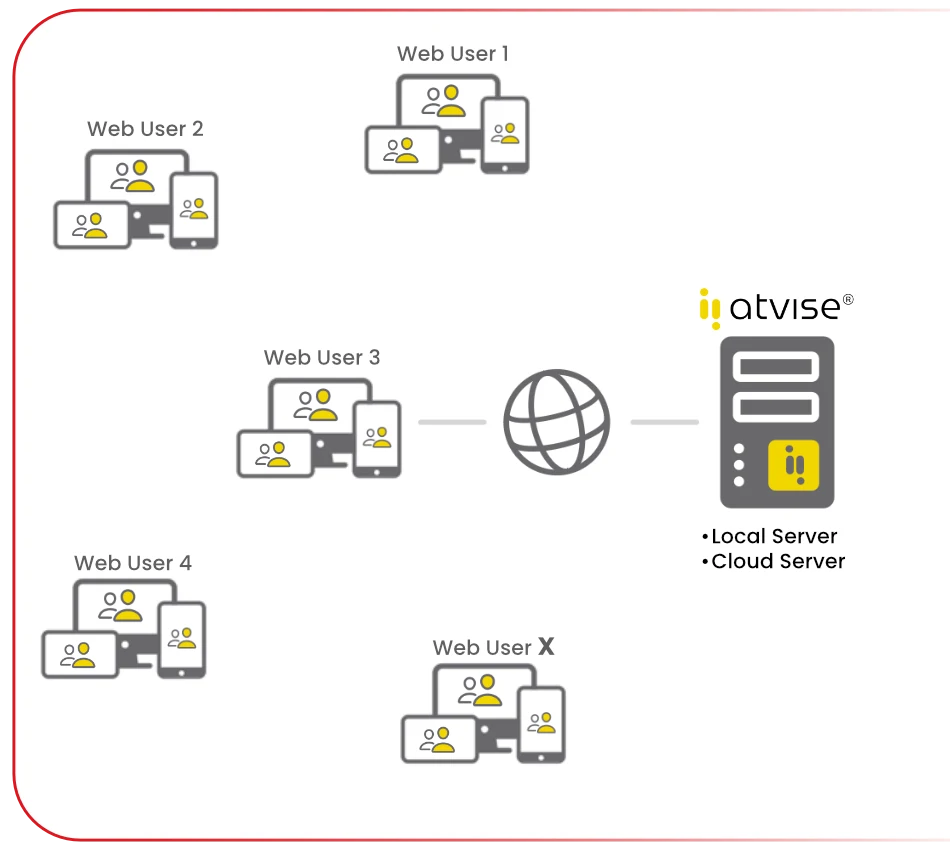
Unlimited Web ClientsYou can add an unlimited number of users.
|
|
|
|
|
 |
Flexible Reporting |
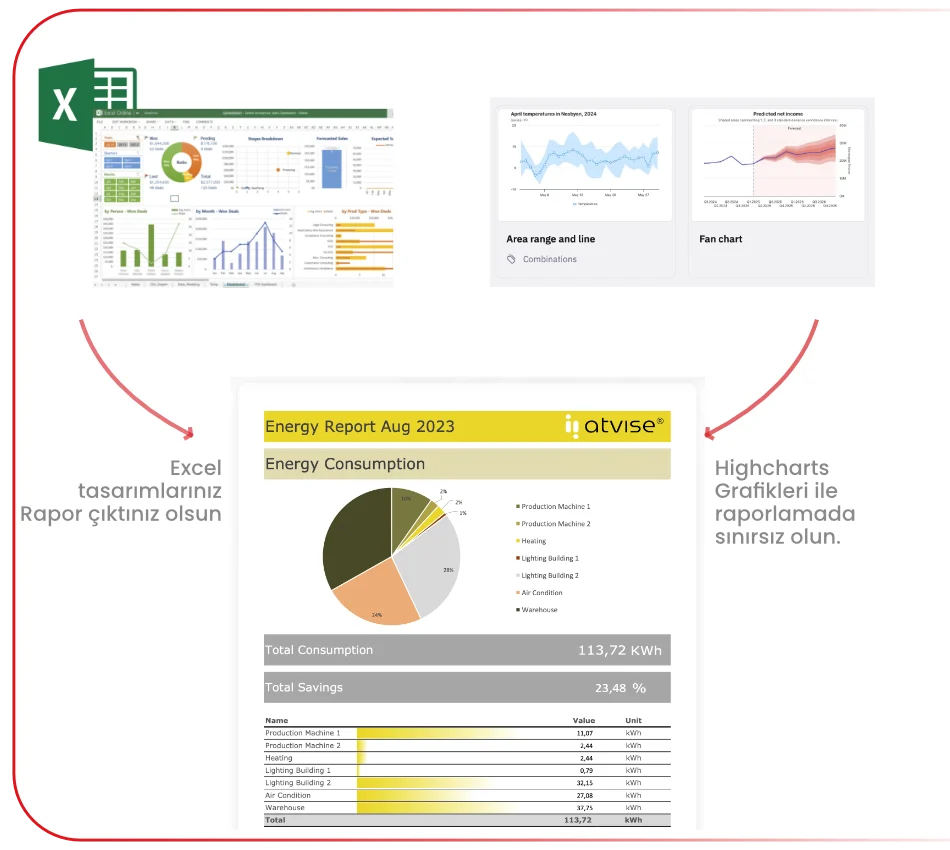
Fast Report Design with the Excel ToolImport your Excel reports and report formats into Atvise, connect the data, and you're ready to go!
|
|
|
|
|
 |
Unlimited Page Design |
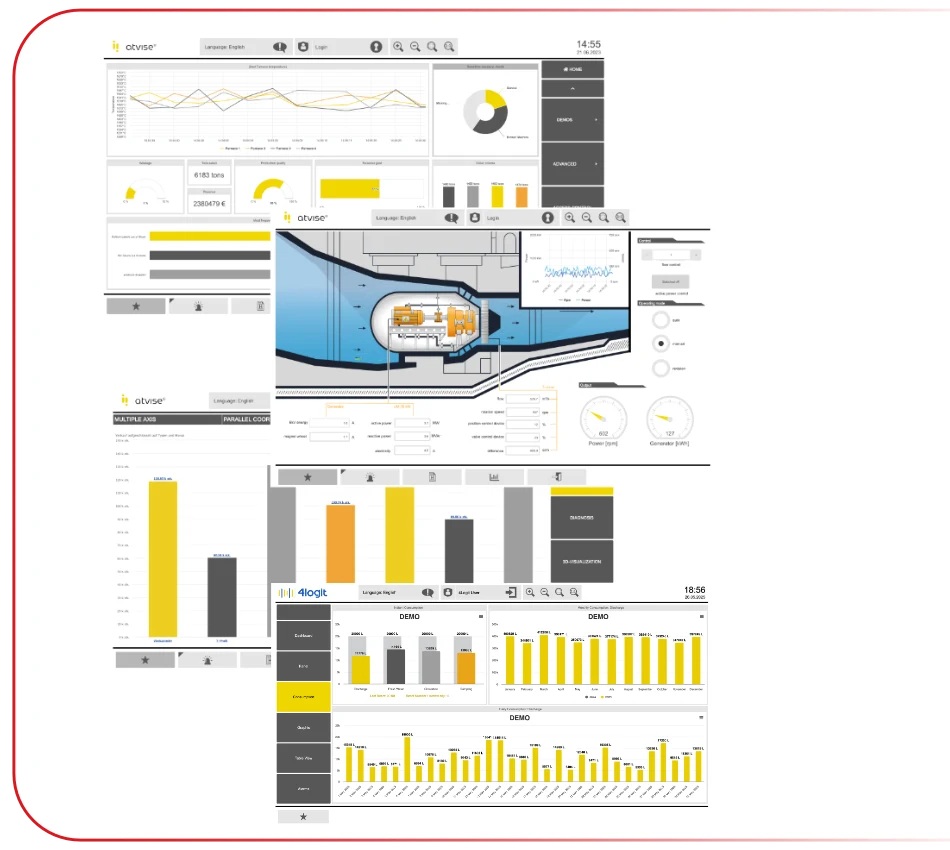
Create as Many Pages as You NeedAdd new screens as your project grows without being restricted by page limits.
|
|
|
|
|
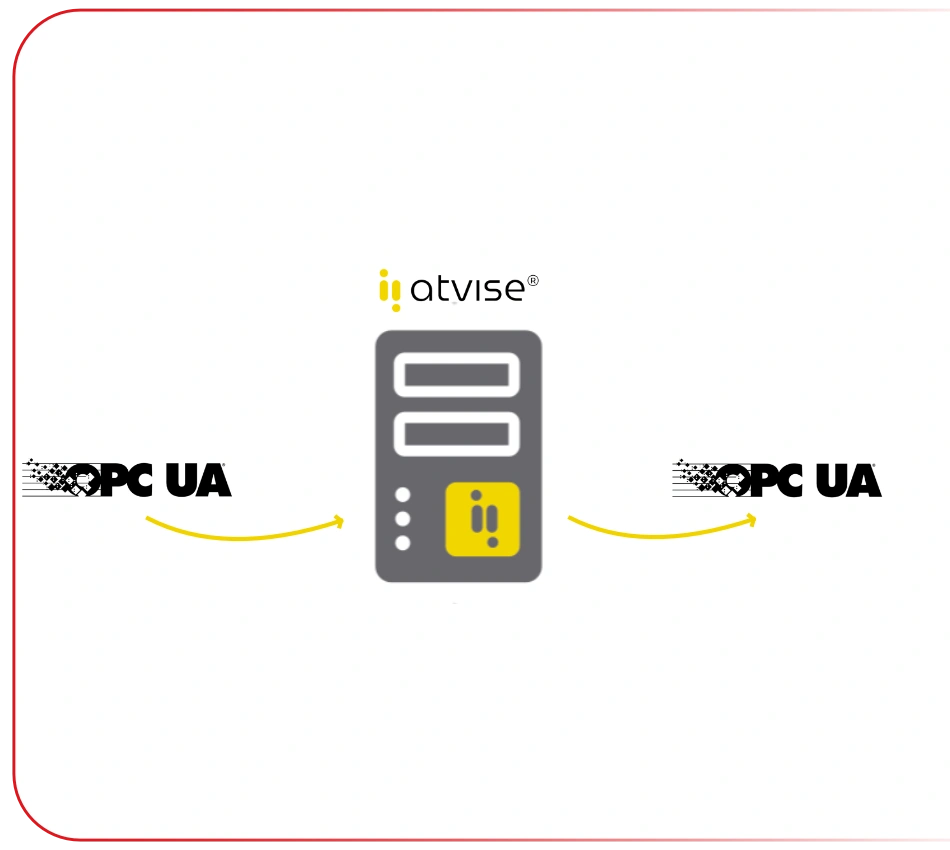 |
OPC UA Flexibility |
Supports All Major OPC UA ModelsOPC UA DA, HA, Alarm&Conditions, OPC UA Methods
|
|
|
|
|
 |
|
|
|
|
|
|
|
 |
|
|
|
|
|
|
|
 |
|
|
|
|
|
|
|
 |
|
|
|
|
|
|
|
 |
|
|
|
|
|
|
|
 |
|
|
|
|
|
|
|
 |
|
|
|
|
|
|
|
 |
|
|
|
|
|
|
|
 |
|
|
|
|
|
|
|
 |
|
|
|
|
|
|
|
 |
|
|
|
|
|
|
|
 |
|
|
|
|
|
|
|
 |
|
|
|
|
Atvise Web SCADA Licensing and Ordering Information
Atvise Web SCADA license selection is not based solely on the number of tags or channels, as in many traditional SCADA systems. The licensing model is evaluated according to the CCD concept, which represents the number of live data points displayed simultaneously on web clients. In this section, you can review Atvise SCADA license models, ordering codes and optional features that can be selected according to project requirements.
CCD Licensing Concept
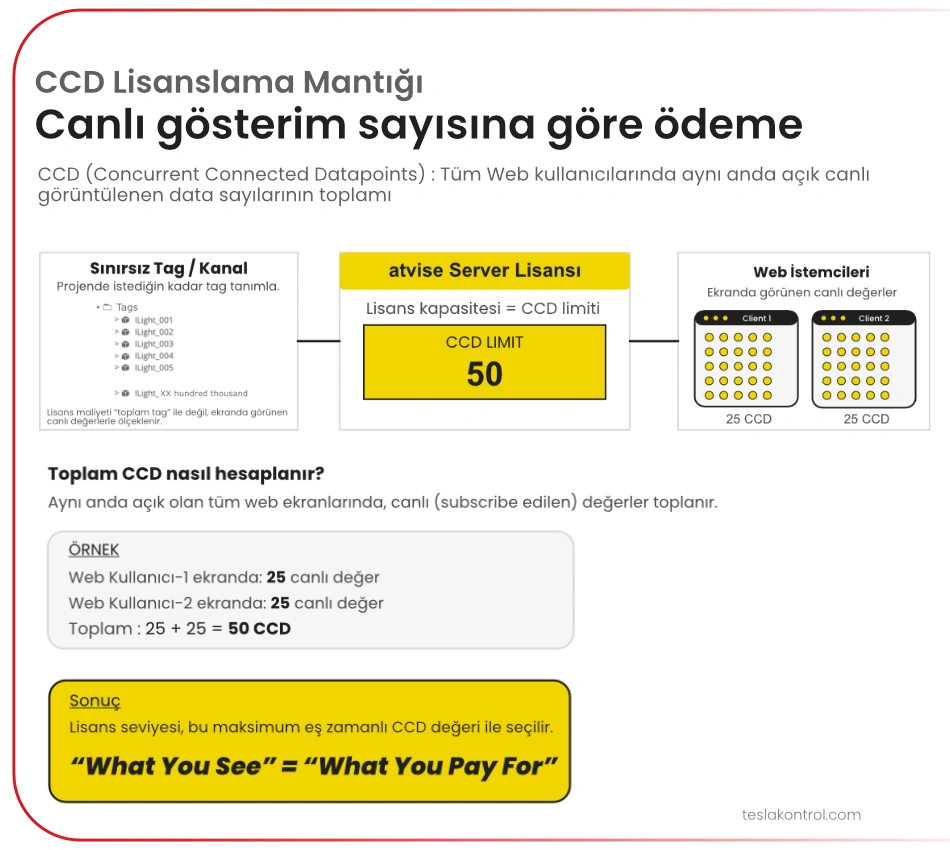
CCD stands for Concurrent Connected Data Points. In Atvise Web SCADA, license capacity is determined by the number of live data points displayed simultaneously on web screens. This structure provides a more flexible licensing approach, particularly for projects containing a large number of tags or channels.
Selecting an Atvise SCADA Model
Micro, Small, Standard, Large and XLarge models are evaluated according to the amount of data that will be displayed simultaneously, user scenarios, screen structure and optional feature requirements. Selecting the correct license model requires looking not only at the total number of tags, but also at how many live data points users will view simultaneously on their screens.
Atvise SCADA Options
Depending on project requirements, options such as update right, single update, Atvise Elements, redundancy, fixed SCADA client, additional aggregates and the InHouse Developer license can be considered. Redundancy may be important for critical facilities, Atvise Elements can help accelerate screen design, while the InHouse Developer license may be particularly useful for system integrators.
Atvise SCADA Product Selection Table
Main Product:
|
atvise® scada server - Automatic import of complete address spaces of any connected OPC COM / OPC UA server |
|
| Atvise Scada Server / Web Scada Micro | 50 CCD |
| Atvise Scada Server / Web Scada Small | 150 CCD |
| Atvise Scada Server / Web Scada Standard | 1500 CCD |
| Atvise Scada Server / Web Scada Large | 5000 CCD |
| Atvise Scada Server / Web Scada XLarge | > 5000 CCD |
Options:
|
atvise® update right for atvise® scada server Includes unlimited update right to every atvise® version within the update period. |
|
atvise® single update for atvise® scada server Includes one single update right to the latest atvise® version |
|
atvise® elements for Atvise Web Scada A sophisticated symbol and objects library with more than 4.000 high quality vector graphic (SVG) and 4.000 bitmap elements. |
|
atvise® redundancy option Full Hot-Stand-By redundancy Requires 2 atvise® scada server runtime licenses. Redundancy needs “standard” sized runtimes or higher |
|
atvise® fixed scada client option Every server runtime license offers floating clients based on the CCD count. A fixed client is independent from the CCD count and grants access for an operating station – even when other users already consumed all CCD. Fixed Clients need “standard” sized runtimes or higher. |
|
atvise® aggregates option for Atvise Web Scada Increases the number of aggregates the atvise® server can calculate |
Developer Support for System Integrators:
|
atvise® Scada InHouse Developer Licence Basic The atvise® web scada license is only for inhouse development use. It's an annual license and when prolonged, a new licence will be issued every year. |
SCADA Training Video Series |
||
|
Training Video Topics: |
||
|
|
|
|
Training Video Series Link |
||
|
|
||
What Is CCD Licensing? How Exactly Is Atvise Web SCADA Priced?
Traditional SCADA licensing is commonly based on the number of tags or channels. However, Atvise Web SCADA licensing and pricing are not determined by the total number of tags. Instead, they are based on how many values are displayed simultaneously to web users.
This can provide a significant cost advantage in many projects, especially in large-scale applications.
Atvise Web SCADA has no channel or tag limit. For example, assume you have 2,000 data points and you design 100 pages, each displaying 20 values, with 2 users defined in the system. Since each page displays 20 values, this corresponds to 20 CCD. If both users connect at the same time and view such a page, the total usage becomes 40 CCD. Therefore, even though your project contains 2,000 channels, the entry-level 50 CCD license may still be sufficient.
Slogan: You pay for what you display.
What Type of Licensing Does Atvise Web SCADA Use? Electronic License or Dongle?
Atvise Web SCADA licenses are delivered electronically. After installation, the electronic license is loaded into the system to complete license activation. However, if a dongle is required due to a specific project or system requirement, a dongle-based licensing option is also available for Atvise Web SCADA.
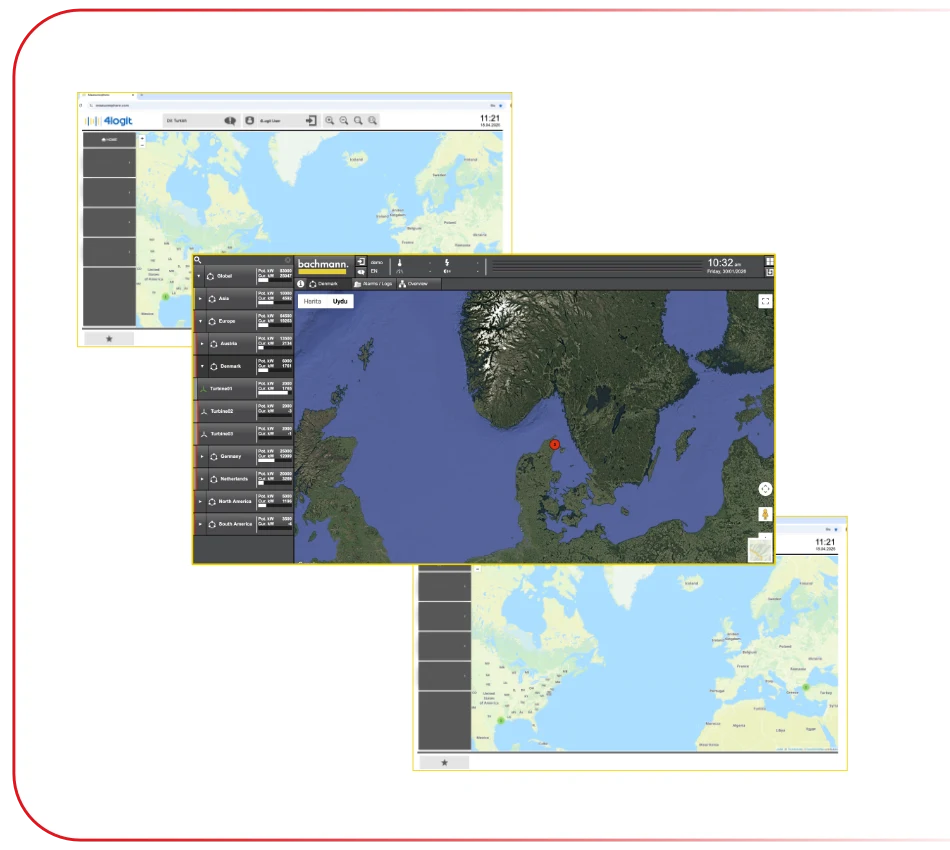
Can We Add Interactive Maps to SCADA Pages?
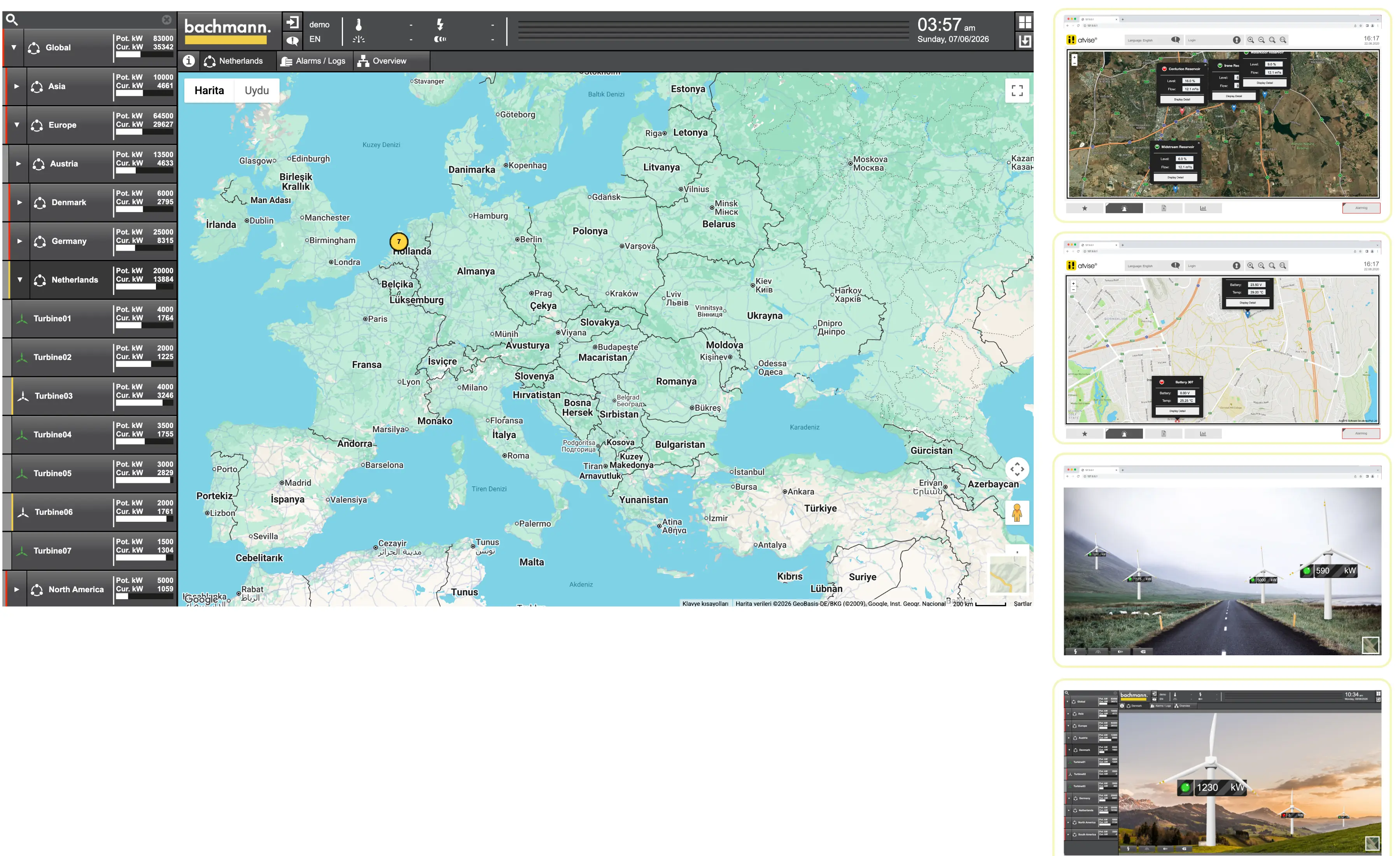
Atvise Web SCADA screens can use interactive maps integrated with map services such as Google Maps. You can place buttons on the map and display live data directly at relevant locations. This provides an ideal solution for monitoring and visualizing data from geographically distributed sites.
Can We Display Camera Feeds on Atvise Web SCADA Pages?
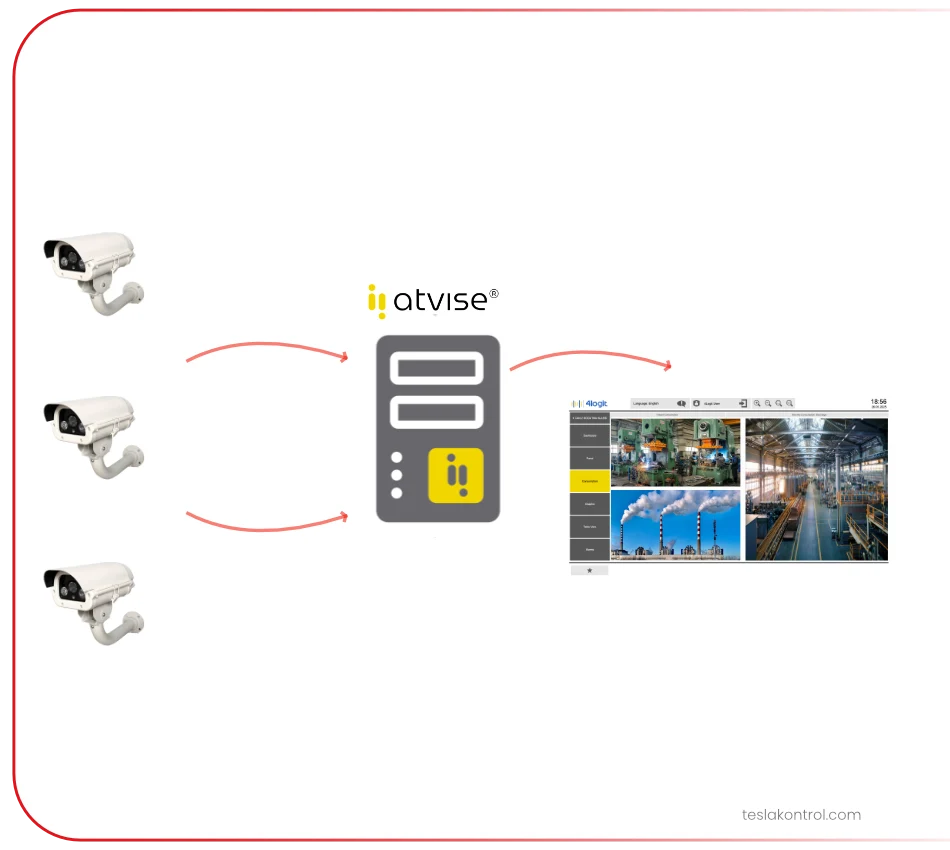
Camera feeds can be displayed on Atvise Web SCADA screens. Only IP-based video streams can be used. IP camera images can be easily displayed directly within the Web SCADA interface. However, video recording and camera movement control functions are not handled by Atvise Web SCADA. These functions should continue to be managed by the camera's own software and hardware.
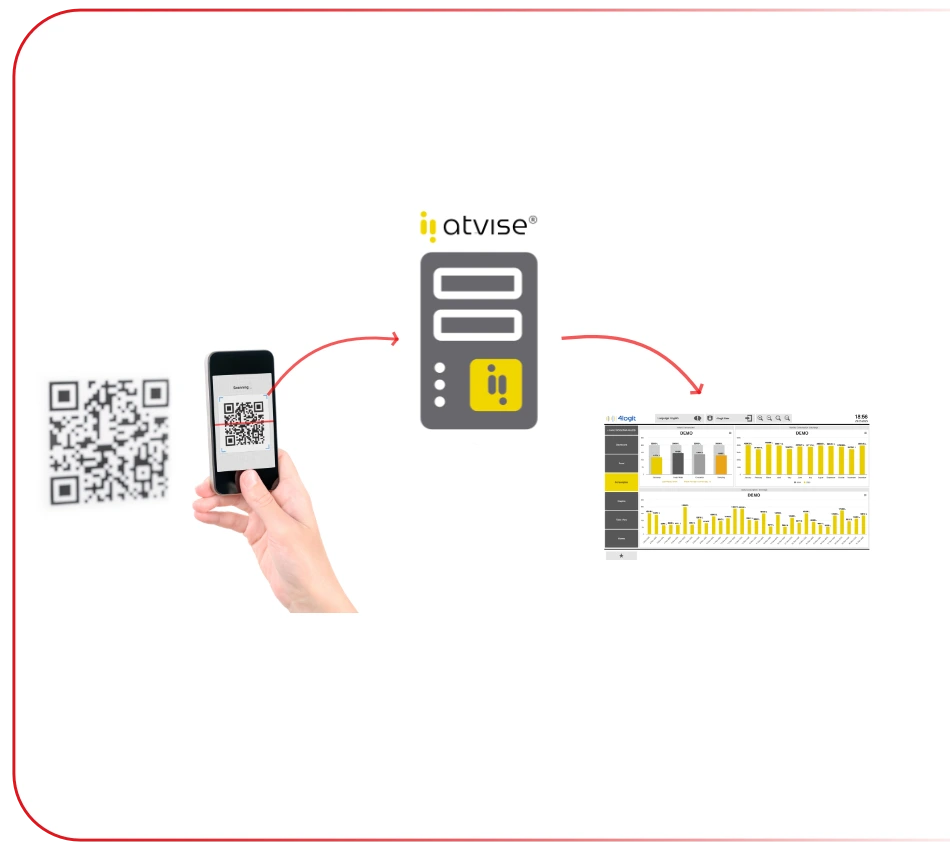
Can Atvise Web SCADA Read QR Codes Using a Camera?
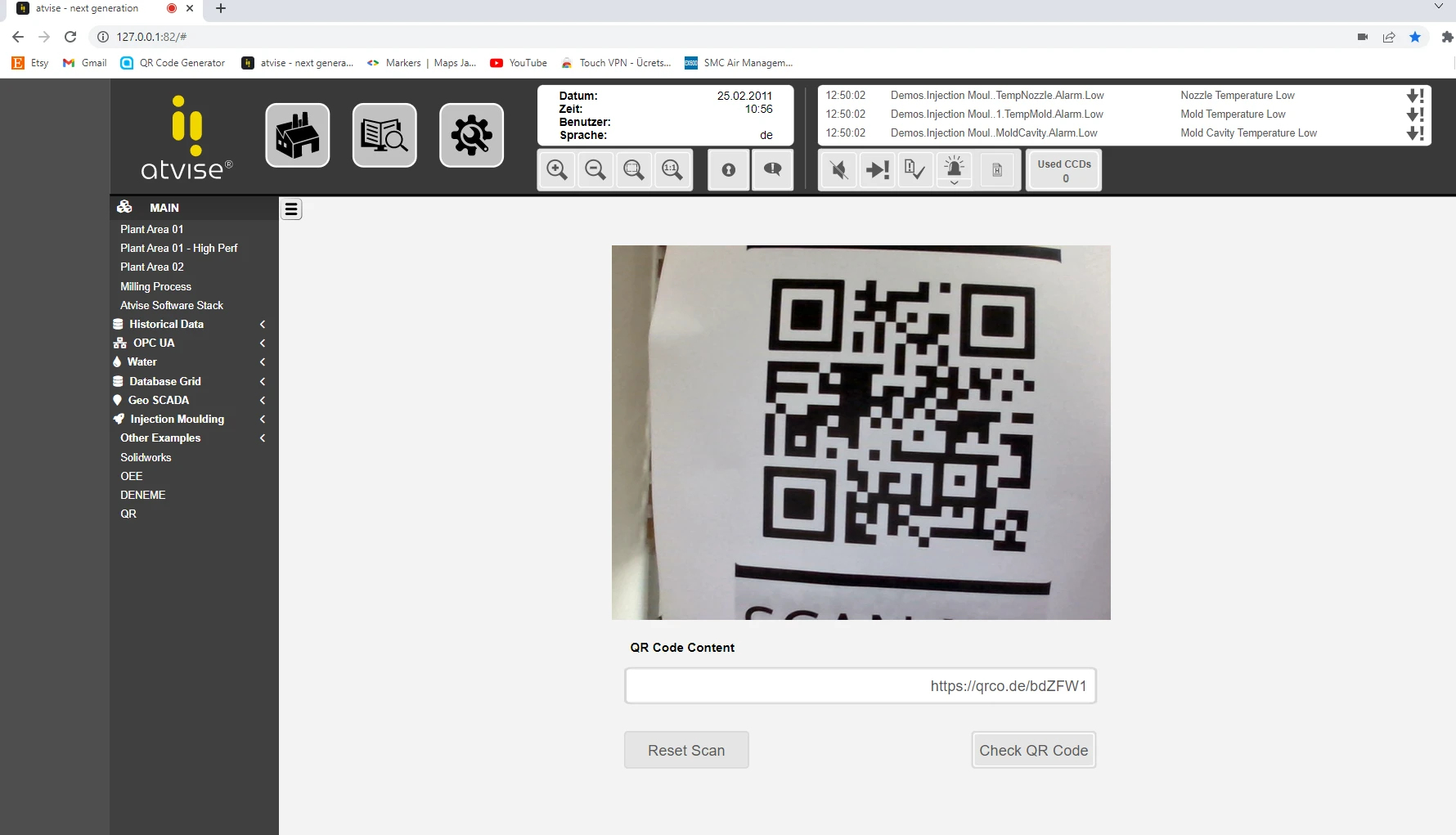
QR codes can be read using Atvise Web SCADA, and the decoded QR code value can be transferred into the SCADA system.
(In addition, a QR code image can be added to an Atvise Web SCADA screen so that other users can scan it.)
How Long Does It Take for a SCADA Developer to Learn Atvise SCADA? Is the Transition Easy?
Based on our experience with different types of users, we can give several answers to this question. However, there are a few important points to mention first.
- We provide short training videos on our website in Turkish, covering many commonly used topics.
- The Atvise SCADA Help menu is very comprehensive, allowing you to quickly find answers to many technical questions.
- Atvise also includes a separate resource center called "Atvise Live". It contains ready-to-use structures and examples that can be used directly without developing everything from scratch, or customized according to your project requirements.
- Our company also provides Level 1 after-sales support for Atvise SCADA. You can send us your questions and receive support quickly.
- In addition, we provide services such as additional training, maintenance agreements and update right agreements for Atvise SCADA.
Atvise SCADA is used reliably in many large and well-known projects around the world. Whether your project has 50 tags or millions of tags, its powerful architecture enables you to create modern SCADA visualizations, meet advanced web-based reporting requirements, and establish a bridge between ERP systems and industrial automation protocols.
- For experienced SCADA users, the typical adaptation period to Atvise is approximately 1 month.
- For users who are less experienced with SCADA but have an interest or background in software development, the learning period may take approximately 3 months.
You can contact us with any pre-sales or after-sales questions regarding Atvise Web SCADA: 0216 364 02 10 or yazilim.destek@teslakontrol.com
How Does the Developer and Runtime Structure Work in Atvise Web SCADA? Do System Integrators Need to Purchase a Developer License?
Atvise Web SCADA does not use a separate Developer and Runtime structure. The developer environment is always included. Installations delivered by system integrators to their customers also include the developer environment, which can be accessed at any time with the appropriate password.
However, system integrators or automation companies using Atvise Web SCADA are not required to purchase a separate developer license for themselves. Atvise offers a licensing model called InHouse Developer, which allows system integrators to use Atvise SCADA on their own computers through an affordable annual rental model instead of purchasing a full license.
This means that while you sell SCADA licenses to your customers, you can maintain your own development environment through a cost-effective annual InHouse Developer license. Please contact us for more information.
Atvise Scada [Demo]
| Atvise SCADA Server [Demo License] V3.13.0 | Windows 64-Bit | Duration: 30 Days | 254 MB |
|---|---|---|---|
| Atvise Connect OPC UA Gateway [Demo License] V2.6.7 | Windows 64-Bit | Duration: 30 Days | 45 MB |
Demo License Activation Video:
I downloaded and installed the software. How can I activate the license?